
IPTV EPG Not Loading or Showing the Wrong Time: How to Fix It
If your IPTV EPG is not loading, shows the wrong timezone, or displays programme times that do not match your local clock, the problem is often related to the EPG source, application settings, timezone configuration or the device itself.
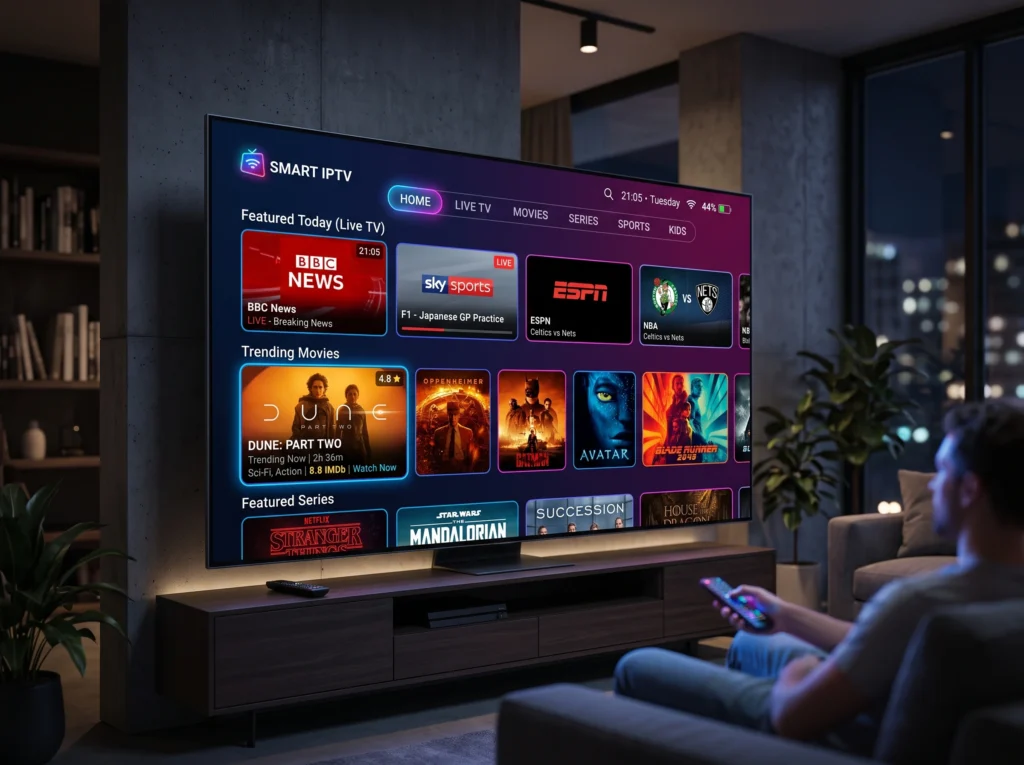
This guide explains what to check step by step before reinstalling your IPTV application or changing your entire setup.
IPTV EPG
What Is an IPTV EPG?
EPG stands for Electronic Programme Guide. It provides programme information such as channel names, current programmes and upcoming programme times inside a compatible IPTV application.
The EPG is separate from the live video stream. This means live TV can work normally even when the programme guide is empty, incomplete or showing incorrect times.
Why Is My IPTV EPG Not Loading?
Several things can cause an EPG problem. Common areas to check include:
-
- The EPG source or URL supplied by the service.
-
- The IPTV application’s EPG configuration.
-
- The selected timezone on the device or application.
-
- An outdated or cached EPG database.
-
- Temporary network problems.
-
- Incorrect account or playlist configuration.
-
- A problem affecting the EPG source itself.
IPTV EPG
1. Check Whether Live TV Works
Start by opening several live channels. If the channels play normally but the guide is empty, the issue is more likely related to EPG configuration or data rather than the basic internet connection.
If live channels also fail, troubleshoot the broader IPTV connection first instead of focusing only on the EPG.
2. Check the EPG Configuration
Open the EPG or programme-guide settings inside your IPTV application. Depending on the application, you may see options for an EPG source, update or refresh function.
Use the EPG information supplied by your IPTV provider and make sure it has been entered correctly. Avoid replacing a working source with an unverified one from a random website.
3. Refresh or Update the EPG
Many IPTV applications have a refresh, update or reload option for programme data. Run the available update and give it time to complete.
If the application reports an error, note the message before changing other settings. The error can help identify whether the problem is the source, connection or application.
IPTV EPG
4. Check Your Timezone
If the EPG loads but programme times are wrong, check the timezone settings on both the device and the IPTV application.
For example, an EPG can contain valid programme information while the application displays it several hours away from your local time because the timezone is configured incorrectly.
5. Check Automatic Date and Time
Make sure the device has the correct date, time and timezone. When available, automatic date and time settings can help keep the device aligned with the network.
After changing the timezone or clock settings, refresh the EPG again rather than assuming the old programme data will update automatically.
6. Restart the IPTV Application
Close the application completely and reopen it. If the EPG is still incorrect, restart the streaming device as well.
This can clear temporary application or cached-data problems without requiring a full reinstall.
7. Check the Channel Mapping
Sometimes the EPG works but only certain channels have programme information. This can happen when the channel identifier in the playlist does not match the identifier used by the EPG data.
If only a small number of channels are missing guide information, contact your provider with the affected channel names instead of changing every EPG setting.
EPG Not Loading vs Wrong Timezone
IPTV EPG
| Problem | What you may see | First checks |
|---|---|---|
| EPG not loading | No programme information appears | EPG source, network, refresh and application settings |
| Wrong timezone | Programmes appear too early or too late | Device timezone, application timezone and automatic date/time |
| Some channels missing EPG | Only certain channels have no guide | Channel mapping and provider data |
| Old programme data | Guide does not reflect current schedules | Refresh/update the EPG data |
How to Fix EPG Time on Smart TV
On a Smart TV, start by checking the television’s date, time and timezone settings. Then open the IPTV application and check its own guide or timezone settings.
If you use a Samsung TV, our Samsung IPTV setup guide can help with the wider application setup.
How to Fix EPG on Firestick
For broader device setup steps, read our Firestick IPTV setup guide. If you are comparing options for a compatible Fire TV Stick, see the IPTV for Firestick page.
On Fire TV, check the device time and timezone first. Then open your IPTV application and refresh its programme data. If the application supports clearing its cache, follow the application’s own settings before considering a reinstall.
If your Firestick IPTV application has broader setup problems, see our Firestick IPTV setup guide.
When Should You Contact Your IPTV Provider?
Contact support when the EPG remains unavailable after checking the source, timezone, application and device settings. Tell support which application and device you use and whether the issue affects every channel or only specific channels.
This information is much more useful than simply saying that the EPG is not working.
Frequently Asked Questions
Why is my IPTV EPG empty?
The EPG source may be unavailable or incorrectly configured, the application may need an update, or the playlist and guide data may not be mapped correctly.
Why is my IPTV EPG showing the wrong time?
Check the timezone and automatic date/time settings on both the device and IPTV application. A timezone mismatch can shift otherwise correct programme information.
Does EPG affect live TV?
The EPG is programme-guide data and is separate from the live stream. Live TV can therefore work while the EPG is unavailable.
Should I reinstall my IPTV application?
Reinstallation is not usually the first step. Check the EPG source, timezone, refresh option and application settings first.
Why do only some channels have EPG?
Some channels may not have matching guide data or may use different channel identifiers. Your provider can help verify the affected channels.
Final Thoughts
When an IPTV EPG is not loading or shows the wrong timezone, troubleshoot the guide separately from the live stream. Check the EPG source, refresh the data, verify the device and application timezone, and test whether the issue affects all channels or only a few.
Once your guide is working, you can continue exploring supported channels through our IPTV Channel List or review available IPTV plans.