
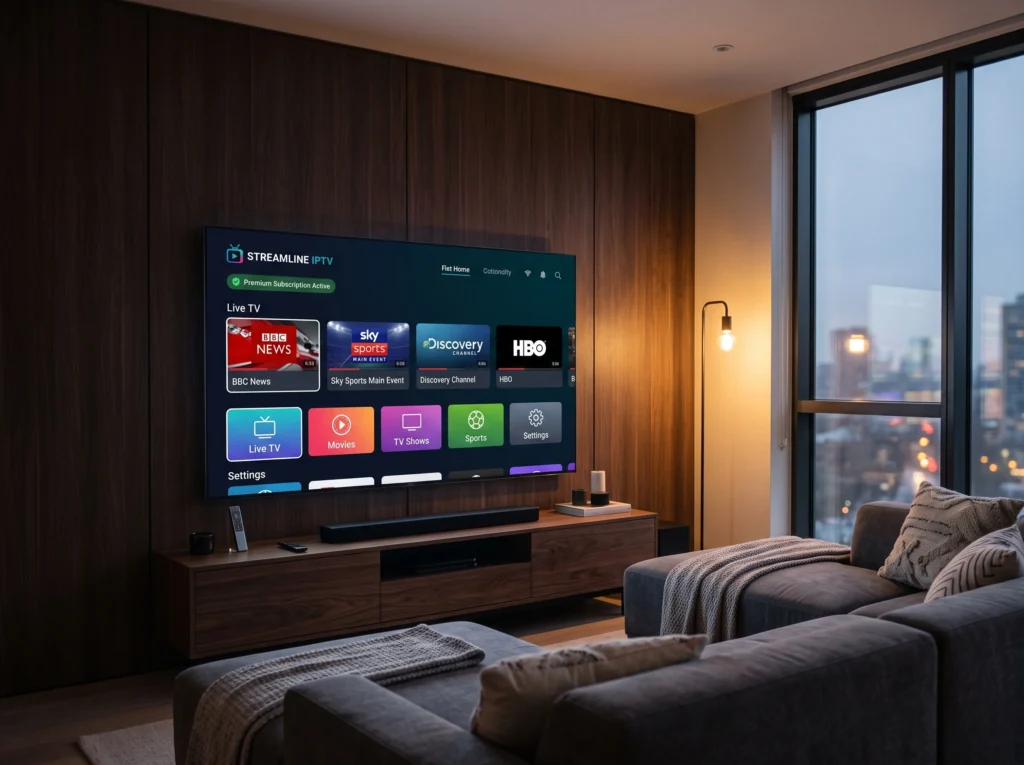
Important: trial availability, duration and conditions can vary, so check the current offer and terms before starting.
IPTV UK Free Trial: Quick Checklist
- Test the channels you actually watch.
- Test the service on your main device.
- Check live TV playback and stability.
- Check EPG and VOD if you need them.
- Confirm what happens when the trial ends.
What Should You Test During an IPTV Free Trial?
| Test | What to look for |
|---|---|
| UK channels | Your specific channels and categories |
| Playback | Stable streaming on your normal connection |
| EPG | Programme information and correct time |
| VOD | Whether movies and series load correctly |
| Device | Compatibility with your TV or streaming device |
| Support | Response to setup or account questions |
How to Test an IPTV UK Free Trial Properly
- Use the same device and internet connection you normally watch with.
- Test several UK channels rather than one.
- Try different times of day if possible.
- Open the EPG and test VOD.
- Check the setup process and support response.
- Read the subscription terms before deciding to continue.
Does WorldIPTVBox Offer a Free Trial?
WorldIPTVBox advertises a free trial. The current duration and conditions should be confirmed before starting because offers can change.
When comparing a trial, also review the available UK subscription plans.
Common Free-Trial Mistakes
- Testing only one channel.
- Ignoring the device you will actually use.
- Looking only at the total channel number.
- Not checking EPG or VOD.
- Skipping the subscription terms.
FAQ
How long is an IPTV UK free trial?
Trial duration varies by offer. Check the current provider terms rather than assuming a fixed duration.
What should I test first?
Start with the channels you actually watch and your main viewing device.
Can I test IPTV on Smart TV?
If the service and compatible IPTV player support your TV, you can test the setup on that device.
Next Step
Use a trial as a practical compatibility and viewing test, then compare the plan terms before subscribing.