
IPTV App Not Working on Samsung or LG Smart TV: Troubleshooting Guide
IPTV app not working Samsung LG Smart TV
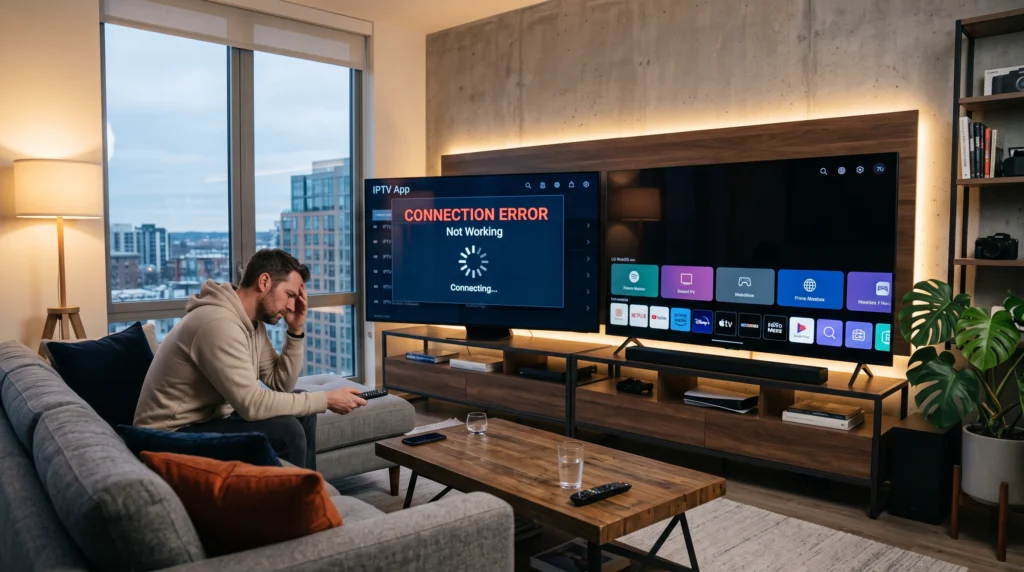
When an IPTV app is not working properly on a Samsung or LG Smart TV, the cause can be anything from an application issue to an internet connection, TV software, account configuration or a problem with a specific stream. The quickest approach is to test each part of the setup instead of immediately reinstalling everything.
Is the Problem the TV, the App or the IPTV Service?
Start by identifying where the problem occurs. If other apps on the TV work normally but the IPTV app does not, the IPTV application or service deserves attention. If several apps have connection problems, check the TV’s network connection first.
If IPTV works on another compatible device using the same connection and account, the Smart TV setup may be the area to investigate.
1. Check Your Smart TV Internet Connection
Open another streaming application on the TV and test whether it loads normally. You can also check the network status in the TV settings.
If the connection appears unstable, restart the router and TV, then reconnect to the network before changing the IPTV application.
2. Restart the IPTV App and TV
Close the IPTV application completely and reopen it. If that does not help, restart the television.
A simple restart can clear temporary application or network-state problems without changing your account configuration.
3. Check the IPTV Application
Make sure you are using a compatible and current version of the IPTV application. Application availability and menu options can change, so use the current instructions supplied by the application or service.
If the application is available through the TV’s official app store, check for an available update there.
4. Check Your IPTV Login or Playlist
If the application opens but channels are missing, check the service details you entered. Depending on the setup, this may be a username and password, playlist URL or another login method.
Enter the details exactly as provided. Avoid replacing working credentials with information from an unverified source.
5. Test More Than One Channel
If one channel does not play, test several others. A problem affecting one stream is different from a problem affecting the whole account or application.
You can also test a VOD title if your service includes VOD. This can help determine whether the issue is limited to live TV.
Samsung Smart TV IPTV Troubleshooting
App will not open
Restart the TV, check for application updates and make sure the TV software is current. If the application still fails, check whether the application is compatible with your TV model and region.
Channels load but keep buffering
Check the TV’s connection, test another channel and compare the same service on another compatible device. Wi-Fi conditions can affect playback even when other apps appear to work.
EPG is missing or showing the wrong time
Check the application’s EPG settings and the TV’s date and timezone. Our IPTV EPG troubleshooting guide covers this problem in more detail.
LG Smart TV IPTV Troubleshooting
App is unavailable or cannot be installed
Application availability can depend on the TV platform, model and region. Check the current LG app store and the application’s supported devices before looking for unofficial installation methods.
IPTV opens but playback fails
Test another channel, restart the TV and check the network connection. If other channels work normally, the problem may be isolated to the affected stream or content.
Picture works but audio does not
n
Check the TV volume, mute settings and audio output configuration. Test another channel or application to determine whether the problem is specific to the IPTV stream.
nn
Samsung vs LG: What Should You Check?
IPTV app not working Samsung LG Smart TV
| Check | Samsung Smart TV | LG Smart TV |
|---|---|---|
| Application availability | Check the current Samsung app environment | Check the current LG app environment |
| TV software | Check for available TV updates | Check for available TV updates |
| Network | Test the TV connection and another app | Test the TV connection and another app |
| EPG | Check app and timezone settings | Check app and timezone settings |
| Playback | Test several channels and VOD titles | Test several channels and VOD titles |
What If IPTV Works on Firestick but Not on the Smart TV?
If the same service works on a Firestick but not on the Smart TV, compare the applications, network connection and device configuration. The two devices may use different applications or playback methods.
Our Firestick IPTV setup guide can help you verify the Fire TV side of the setup.
When Should You Contact Support?
Contact your IPTV provider when you have checked the device, application, network and account details but the issue remains. Give support the TV brand and model, application name, affected channel or VOD title and a description of what happens.
Clear information helps separate a device problem from an account or stream problem.
Frequently Asked Questions
Why is my IPTV app not working on Samsung TV?
Possible causes include application compatibility, TV software, network problems, account configuration or an issue with the specific stream. Test each area before reinstalling the application.
Why is IPTV not working on LG Smart TV?
Check application availability, TV software, internet connection, login details and playback on more than one channel. If the problem affects only one stream, it may not be a TV-wide issue.
nn
Should I reinstall the IPTV app?
Reinstallation can be useful for persistent application problems, but check the network, account details, updates and affected channels first.
Why does IPTV buffer only on my Smart TV?
The TV’s Wi-Fi conditions, application, hardware or configuration may differ from other devices. Compare the same service on another compatible device to narrow down the cause.
Why is my IPTV EPG wrong on Smart TV?
Check the application’s EPG settings and the TV’s timezone and date settings. The live stream can work even when EPG data is configured incorrectly.
Final Thoughts
When IPTV is not working on a Samsung or LG Smart TV, avoid changing several settings at once. Test the internet connection, application, account details and individual streams one step at a time.
For broader setup information, explore our IPTV Services page, read the Smart IPTV guide, or browse the IPTV Channel List.