
IPTV Buffering: ISP Throttling, Internet Speed & How to Fix It
IPTV buffering can happen for several reasons, and a slow or unstable connection is only one possibility. In some cases, the issue can be related to ISP traffic management, Wi-Fi conditions, the streaming device, the application or a specific stream.
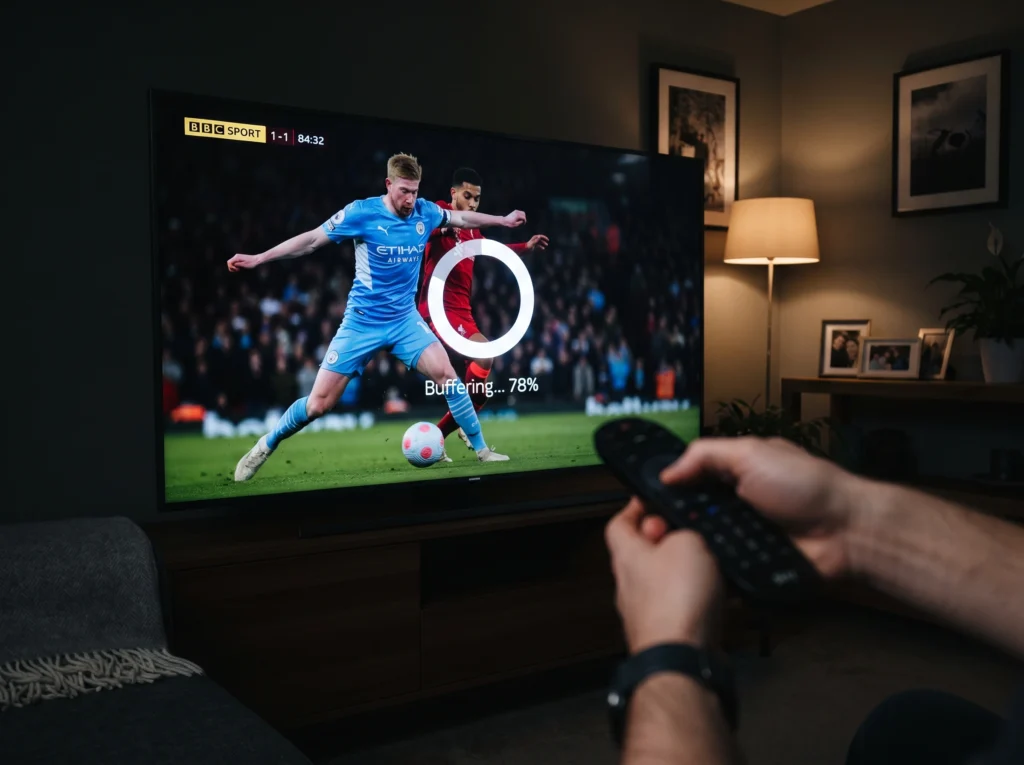
This guide focuses on one common possibility—ISP throttling—while also showing how to test other causes before changing your setup.
What Is IPTV Buffering?
Buffering happens when the player cannot receive enough data quickly enough to continue playback smoothly. You may see the video pause, load repeatedly or drop in quality before continuing.
Buffering can affect live TV, VOD or both. The pattern of the problem can provide useful clues about the cause.
IPTV Buffering
What Is ISP Throttling?
ISP throttling generally refers to an internet service provider reducing or managing the speed of certain traffic or services under particular conditions. Whether traffic is managed, when it happens and how it affects a connection depends on the ISP, network and plan.
A buffering problem should not automatically be blamed on throttling. It is better to test the connection and setup first.
How to Tell If Your ISP Could Be Part of the Problem
There is no single test that proves throttling in every situation, but you can look for patterns.
-
- Buffering happens repeatedly at certain times of day.
-
- Other internet activities appear normal while a particular stream struggles.
-
- The issue changes when you use a different network, such as mobile data.
-
- Multiple compatible devices on the same home connection show a similar problem.
-
- Changing the IPTV application does not change the behaviour.
These signs are not proof by themselves. They simply help you decide what to test next.
IPTV Buffering
Before Blaming the ISP, Check These 7 Things

1. Test Your Internet Connection
Run a normal speed test and pay attention to stability, not only the headline download speed. A connection can have a high advertised speed and still experience local Wi-Fi or network problems.
2. Test Another Device
If possible, try the same service on another compatible device. If one device buffers while another works normally on the same connection, the device or application deserves closer attention.
3. Check Wi-Fi Conditions
Distance from the router, walls, interference and congestion can affect wireless performance. If your setup allows it, compare Wi-Fi with a wired connection or move closer to the router.
IPTV Buffering
4. Test Different Content
Try another live channel or VOD title. If only one stream has a problem, the issue may be specific to that stream rather than your entire connection.
5. Restart the Network Equipment
Restarting the router and the streaming device can clear temporary connection problems. Give the equipment enough time to reconnect before testing again.
6. Check the IPTV Application
Make sure the application is configured correctly and is compatible with your device. An application problem can look like a network problem.
7. Compare at Different Times
If buffering appears mainly during busy evening hours and is consistently different at other times, record the pattern. A repeatable pattern is more useful than a single buffering incident.
ISP Throttling vs Wi-Fi vs IPTV Stream Issues
IPTV Buffering
| Possible cause | What you may notice | Useful test |
|---|---|---|
| ISP/network management | Problem follows the connection or appears in a repeatable pattern | Compare another network or time period |
| Wi-Fi | Performance changes with location or wireless conditions | Test closer to router or use Ethernet |
| Device | One device struggles while another works | Test another compatible device |
| Application | Playback problems are limited to one app or configuration | Check settings or test a supported alternative |
| Specific stream | Only certain channels or titles buffer | Test several other streams |
nn
Can a VPN Help With IPTV Buffering?
n
A VPN can change the network route between your device and online services, so it may change how a connection behaves. However, a VPN is not a guaranteed fix for buffering and can sometimes reduce performance because it adds another network layer.
If you test a VPN, compare the same stream with and without it under similar conditions. Check the VPN provider’s terms and your local rules before using one.
What About IPTV Speed Requirements?
There is no universal internet speed number that guarantees perfect IPTV playback. The required bandwidth depends on factors such as video resolution, compression, device, network conditions and other traffic using the connection.
A stable connection is often more useful than focusing only on one speed-test number.
How to Reduce IPTV Buffering on a Smart TV
-
- Restart the TV and router.
-
-
- Check whether the TV is using a stable Wi-Fi or wired connection.
-
- Test another channel or VOD title.
-
- Check the IPTV application’s settings and updates.
-
- Close unnecessary apps or background activity where applicable.
-
- Compare playback on another compatible device.
If the issue continues, our IPTV buffering guide covers additional Smart TV troubleshooting.
When Should You Contact Your IPTV Provider?
Contact support when the problem continues after basic network and device checks, especially if several channels or VOD titles are affected. Give support useful details such as the device, application, approximate time of the issue and whether other streams work.
For setup-related questions, you can also review our Smart IPTV service guide and IPTV Channel List.
Frequently Asked Questions
Does IPTV buffering always mean ISP throttling?
No. Buffering can have many causes, including Wi-Fi problems, device limitations, application configuration, network congestion and issues with a particular stream.
How can I test whether my connection is the problem?
Compare different devices, streams and connection conditions. If possible, compare your normal home connection with another network and record whether the behaviour changes.
Can faster internet eliminate buffering?
Not always. Speed is only one part of streaming performance. Stability, Wi-Fi quality, device performance and the stream itself can also matter.
Should I use a VPN if IPTV buffers?
A VPN may change the route used by your traffic, but it is not a guaranteed solution. Test it carefully rather than assuming it will fix every buffering problem.
Why does IPTV buffer only at certain times?
Time-based patterns can be related to network congestion or other conditions. Compare the same content at different times and check whether other devices or services show similar behaviour.
IPTV Buffering
Final Thoughts
If you are troubleshooting IPTV on a Fire TV Stick, follow our Firestick IPTV setup guide. You can also review the IPTV for Firestick product page and check app compatibility before choosing a plan.
n
ISP throttling is one possible explanation for IPTV buffering, but it should not be the first assumption. A better approach is to test the connection, Wi-Fi, device, application and individual streams systematically.
Once you identify where the problem occurs, it becomes much easier to decide whether you need a network change, device troubleshooting or help from your IPTV provider.