Description
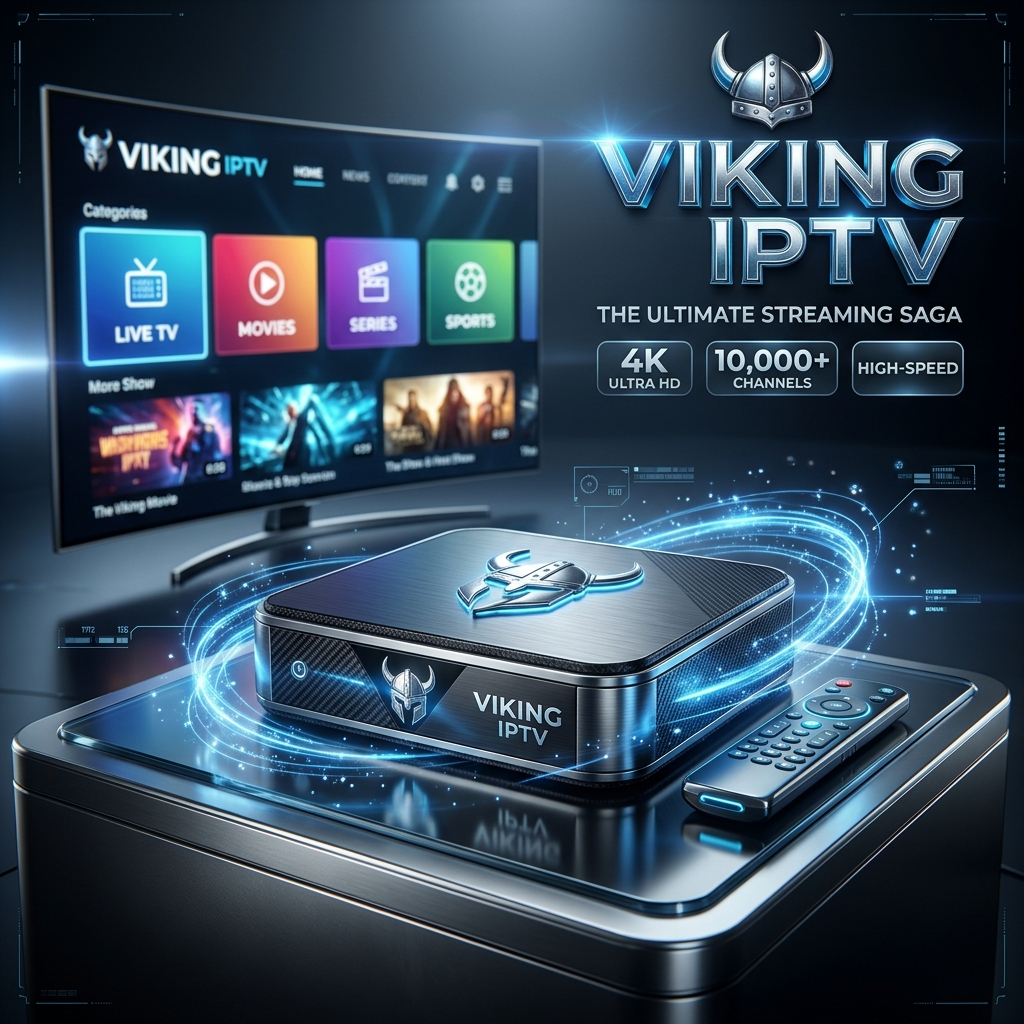
Choose a Viking IPTV subscription duration and check the service details before you order. This page outlines the available terms and how to get help confirming compatibility and setup.
💬 Ask About Viking IPTV Subscription on WhatsApp
Select Your Plan Duration
Choose 3 months, 6 months or 12 months in the product options. Confirm the activation date, expiry date and renewal conditions with support if you need clarification.
Supported Devices
The exact setup depends on the device and compatible IPTV application. Check whether your Smart TV, Android TV, Fire TV Stick, mobile device or other player is supported before purchasing.
Review Service Inclusions
Ask which channels and on-demand features are included in your selected package, how many devices can stream at once, and what support is available. Coverage and features should be confirmed for the specific plan.
Get Setup Help
Contact us on WhatsApp with your device model and preferred duration. We can help you understand the setup steps before you proceed.
Helpful IPTV Guides
Before choosing a service, read our guide to IPTV player apps, check IPTV apps for Smart TV, and review our IPTV test guide to learn what to check before subscribing.
Frequently Asked Questions
Which duration should I choose?
Choose 3, 6 or 12 months based on the period you need. Check the selected option and its price before adding it to your order.
Does the subscription include an IPTV app?
IPTV apps and subscriptions are different things. Confirm whether an app licence is included; many players must be installed or licensed separately.
Will it work on my device?
Compatibility depends on your device, operating system and supported player. Contact support with your model before ordering.
Only use the service to access content you are authorised to watch.