
VPN setup Firestick Android TV: A Practical Guide
VPN setup Firestick Android TV
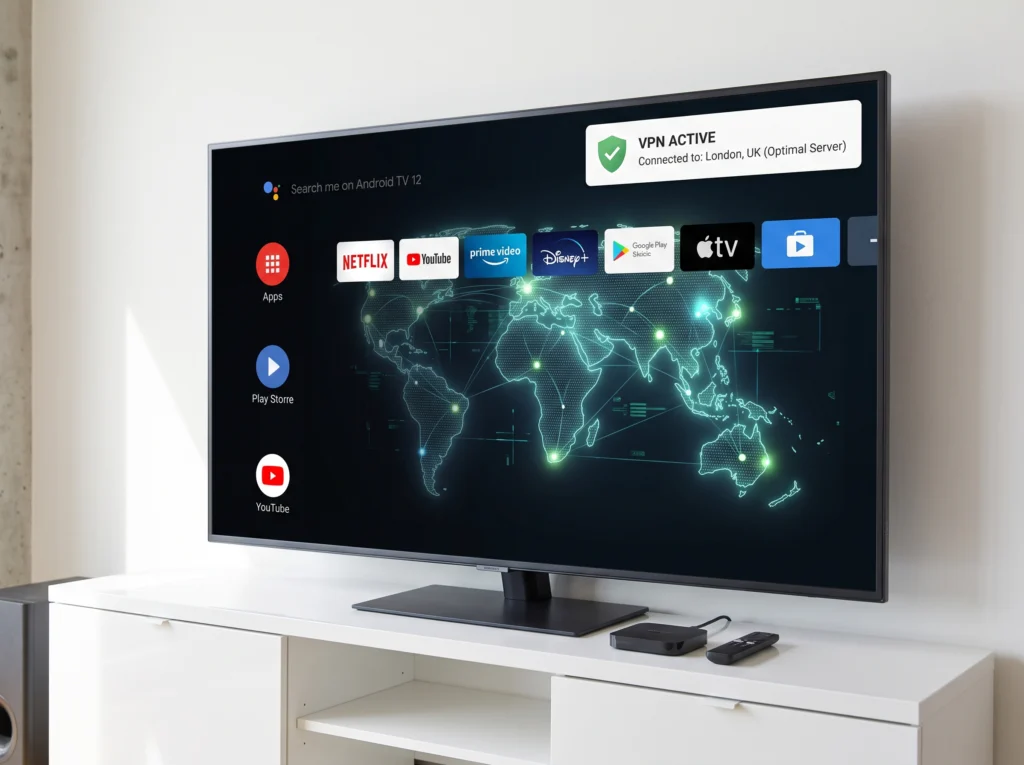
A VPN can be useful on a Firestick or Android TV when you want to manage your network connection through a VPN service. The exact menus vary by device and VPN app, so this guide focuses on the general setup process rather than fixed button names.
What Does a VPN Do?
A virtual private network creates an encrypted connection between your device and the VPN service. It can change the public IP address seen by websites and services, depending on how the VPN is configured. A VPN does not automatically fix every IPTV buffering, app or streaming problem.
Before You Set Up a VPN
- Choose a reputable VPN provider and install its official app when available.
- Make sure your Firestick or Android TV is connected to the internet.
- Check that the VPN service supports your device.
- Keep your device software and apps updated.
VPN Setup on Firestick
Amazon Fire TV devices are connected to Wi-Fi during the normal device setup process.
- Open the app store on your Fire TV device.
- Search for your VPN provider’s official application.
- Install the app and open it.
- Sign in with your VPN account.
- Choose a server or location according to your needs.
- Connect and wait until the VPN app confirms the connection.
- Open your IPTV player and test live TV or VOD.
App availability and menus can vary by Fire TV model and software version, so follow the current instructions shown by the VPN provider.
VPN Setup on Android TV
Android TV devices can install apps through Google Play, and Google documents app installation through the Play Store.
- Open Google Play Store on your Android TV or Google TV device.
- Search for the official app from your VPN provider.
- Select Install and open the app.
- Sign in to your VPN account.
- Select a server or location.
- Connect the VPN.
- Open your IPTV player and test the connection.
Android also supports VPN configuration through Network & internet > VPN on supported versions, although a provider’s app may be the simpler option.
How to Check Whether the VPN Is Working
First, confirm that the VPN app reports an active connection. You can then test your normal browsing or streaming connection and compare behaviour with the VPN disconnected. If a service stops working only after the VPN is connected, the VPN server, routing or the service’s network policy may be involved.
VPN and IPTV Buffering
A VPN can sometimes change routing and may help in a specific network situation, but it can also reduce available speed or add latency. If IPTV buffers after connecting the VPN, compare the same channel with the VPN off, try another VPN server if your provider allows it, and check your Wi-Fi connection.
Common VPN Problems on Firestick and Android TV
VPN app will not connect
Check your internet connection, sign-in details, app version and VPN server selection. Restart the device and try again.
IPTV works without the VPN but not with it
Test another VPN server and compare more than one channel. If the issue remains, contact your IPTV provider and VPN provider rather than assuming the player itself is broken.
VPN is connected but streaming is slow
Test another server, move closer to your Wi-Fi router or use a more stable connection, and compare performance with the VPN disconnected.
The VPN app is unavailable
Check the device’s official app store and the VPN provider’s supported-device list. Avoid installing unknown APK files simply because an app is not available through the normal store.
Security Tips
Use the official app or a trusted installation source whenever possible. On Android TV, Google Play Protect checks apps and can warn about potentially harmful software. Google recommends keeping Play Protect enabled. citeturn0search10
Do You Need a VPN for IPTV?
Not necessarily. Whether you use one depends on your privacy preferences, network setup, local rules and the requirements of the services you use. A VPN should not be presented as a guarantee of access to any particular content or service.
Related Guides
- IPTV buffering and ISP troubleshooting
- Firestick IPTV setup guide
- IPTV EPG troubleshooting
- TiviMate and IPTV Smarters configuration
FAQ
Can I install a VPN on Firestick?
Many VPN providers offer apps for Fire TV devices. Check the provider’s current compatibility information and use the official app store when available.
Can Android TV use a VPN?
Yes. Android supports VPN connections, and many providers also offer dedicated apps. The available setup options depend on the device and Android version.
Will a VPN always stop IPTV buffering?
No. Buffering can come from Wi-Fi, device performance, the IPTV app, the stream source, network routing or other causes. Test the connection with and without the VPN to narrow down the cause.