
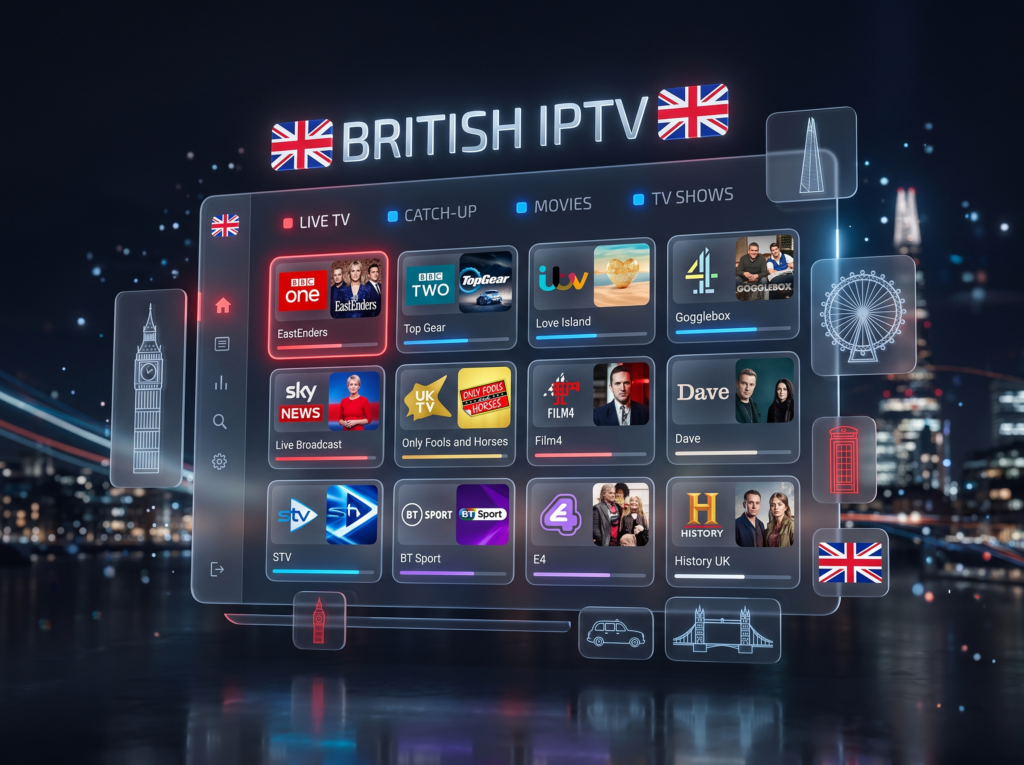
For UK viewers: the most useful checks are the channels you actually watch, whether your device is supported, how the service handles EPG and playback, and whether clear support is available when something goes wrong.
British IPTV at a Glance
- Focus: UK and British TV viewing over an internet connection.
- Content: Live TV, movies, series, sports and other on-demand content can be available depending on the service and plan.
- Devices: Smart TVs, Fire Stick, Android and iOS can be supported depending on the app and service.
- Important: Channel availability and features can vary by plan, region and device.
What Is British IPTV?
British IPTV is internet-based television aimed at viewers who want access to UK-oriented channels and content without relying exclusively on a traditional satellite or cable setup.
The service normally works through a compatible IPTV player or app. Your actual viewing experience depends on the service, your internet connection, the device you use and the available channel catalogue.
The common mistake: choosing a service because it advertises a very large channel number without checking whether the specific UK channels you want are included.
What Can You Watch With British IPTV?
A British IPTV subscription may provide different categories of content depending on the selected plan.
- UK and international live TV
- Movies and TV series
- Sports content
- PPV content where available
- Video on demand
For a country-by-country view, you can also browse the IPTV Channel List.
British IPTV Features to Check Before Choosing a Service
| Feature | What to check | Why it matters |
|---|---|---|
| UK channels | Check the actual channels and categories you need. | A large total channel count does not guarantee the channels you watch. |
| EPG | Check whether an electronic programme guide is supported. | Makes live TV schedules easier to browse. |
| VOD | Check movies and series availability. | Useful if you watch more than live TV. |
| Device support | Confirm compatibility with your Smart TV, Fire Stick, Android or iOS device. | A good service is only useful if you can actually access it. |
| Support | Check how setup and technical questions are handled. | Useful when login, EPG or playback problems occur. |
British IPTV: Which Devices Can You Use?
WorldIPTVBox supports common device categories including Smart TVs, Amazon Fire Stick, Android and iOS. The exact setup depends on the device and compatible IPTV player or app.
- Smart TV: useful when you want to watch directly on a compatible television.
- Fire Stick: a practical option when your TV needs an external streaming device.
- Android: flexible for supported phones, tablets and Android TV devices.
- iOS: useful for supported iPhone and iPad setups.
If you are setting up a device for the first time, our Firestick IPTV setup guide and IPTV services guide can help.
How to Choose a British IPTV Service
- Start with your channels. Write down the UK channels and categories you actually need.
- Check your device. Make sure the service and player support your Smart TV, Fire Stick, Android or iOS setup.
- Check the viewing features. Look for EPG, VOD, catch-up or other features that matter to your viewing habits.
- Compare the subscription. Look at duration, price, activation and the terms before ordering.
- Check support. Make sure you know where to go if setup, login, EPG or playback problems occur.
British IPTV vs Traditional TV: What Changes?
| Point | IPTV | Traditional TV |
|---|---|---|
| Delivery | Internet connection | Depends on the traditional TV platform |
| Device flexibility | Can work across multiple supported devices | Usually tied more closely to the TV platform and equipment |
| On-demand content | Can include VOD depending on the service | Depends on the provider/package |
| Setup | Usually requires a compatible app/player and internet connection | Depends on the TV service and equipment |
Common British IPTV Problems
Most setup problems are easier to diagnose when you separate the service, app, device and internet connection instead of assuming the subscription itself is the problem.
- Buffering: check Wi-Fi, connection stability, device load and the stream.
- EPG not loading: check the EPG source, timezone, refresh and device date/time settings.
- App problems: restart the app and device, then check login or playlist details.
- Smart TV issues: check the TV connection and whether the IPTV app is supported on that model.
For detailed troubleshooting, see our guides for IPTV buffering and IPTV EPG problems.
British IPTV Plans at WorldIPTVBox
WorldIPTVBox currently offers flexible subscription durations for UK viewers:
| Plan | Price | Duration |
|---|---|---|
| 1 Month | $9 | 30 days |
| 3 Months | $19 | 3 months |
| 6 Months | $29 | 6 months |
| 12 Months | $39 | 12 months |
Frequently Asked Questions
What is British IPTV?
British IPTV is television delivered through an internet connection, with services or plans that can include UK-focused channels and other live or on-demand content.
Is British IPTV available on Smart TV?
It can be, provided your Smart TV and the IPTV app or player are compatible with the service.
Can I use British IPTV on Fire Stick?
Yes. Fire Stick is a common supported device category. Setup depends on the IPTV player and service you use.
What should I check before buying?
Check UK channel availability, device compatibility, EPG/VOD features, subscription terms, support and the setup requirements for your device.
How much are WorldIPTVBox UK plans?
Current plans range from $9 for 1 month to $39 for 12 months, with 3-month and 6-month options also available.
Choose Your Next Step
If you already know which UK channels and device you need, compare the available subscription options and check the channel list before choosing a plan.