
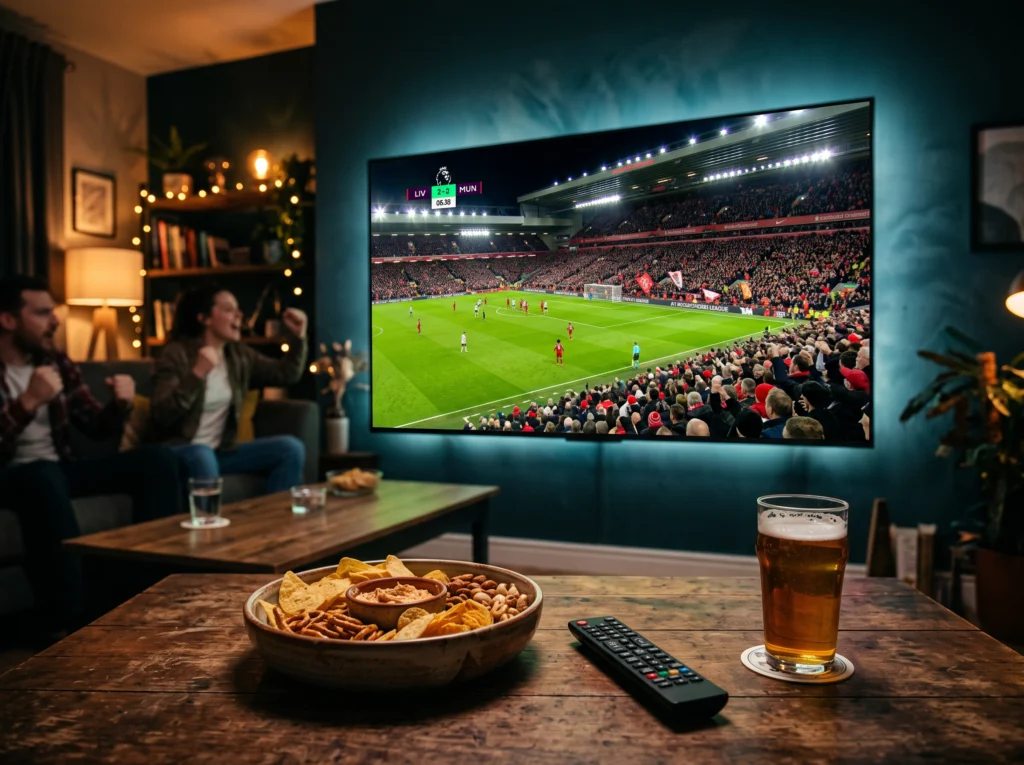
Sports IPTV Checklist
- Specific sports channels you need
- Events or competitions you follow
- EPG schedule accuracy
- Device compatibility
- Stable connection and playback
What Matters Most for Sports?
| Factor | What to check |
|---|---|
| Channels | Sports channels relevant to your viewing |
| Live playback | Stable performance on your normal connection |
| EPG | Useful event and programme schedule |
| Device | TV, Fire Stick or other supported player |
How to Test a Sports IPTV Service
- Check the exact sports channels you need.
- Test on the device you normally use.
- Open the EPG and check schedules.
- Test live playback rather than judging from the channel list.
- Review the plan and support terms.
Sports, PPV and Availability
Sports and PPV availability can vary by plan, region and event. Check the provider’s current information for the content you want instead of assuming every event is included.
See the IPTV Channel List and buffering guide.
FAQ
What is the best IPTV for sports?
The useful choice depends on the sports channels and events you need, plus device compatibility and playback conditions.
Can I watch sports on Smart TV?
Yes, when the service and compatible player support your TV.
Next Step
Write down your required sports channels and events, then check whether they are included before subscribing.